
In the vast landscape of React development, developers are armed with powerful tools to navigate challenges effortlessly: the useReducerand useRef hooks. This guide offers a deep dive into these hooks, unveiling their functionalities, adaptable use cases, and advanced methodologies.
What is `useReducer`?
The <strong>useReducer</strong> hook in React is a cornerstone for managing state, offering a more nuanced approach than its counterpart, <strong>useState.</strong> Its value shines brightest when grappling with intricate state logic, especially in scenarios where the state comprises multiple sub-values or the next state hinges on its predecessor.
Basic Usage
Let’s start with a basic example. Suppose we have a counter component. Instead of resorting to <strong>useState,</strong> developers can employ <strong>useReducer</strong> to orchestrate state management within their React applications.
Counter.js
import React, { useReducer } from "react";

const initialState = { count: 0 };

function reducer(state, action) {
  switch (action.type) {
    case "increment":
      return { count: state.count + 1 };
    case "decrement":
      return { count: state.count - 1 };
    default:
      throw new Error();
  }
}

function Counter() {
  const [state, dispatch] = useReducer(reducer, initialState);

  return (
    <div>
      Count: {state.count}
      <button onClick={() => dispatch({ type: "increment" })}>+</button>
      <button onClick={() => dispatch({ type: "decrement" })}>-</button>
    </div>
  );
}

export default Counter;
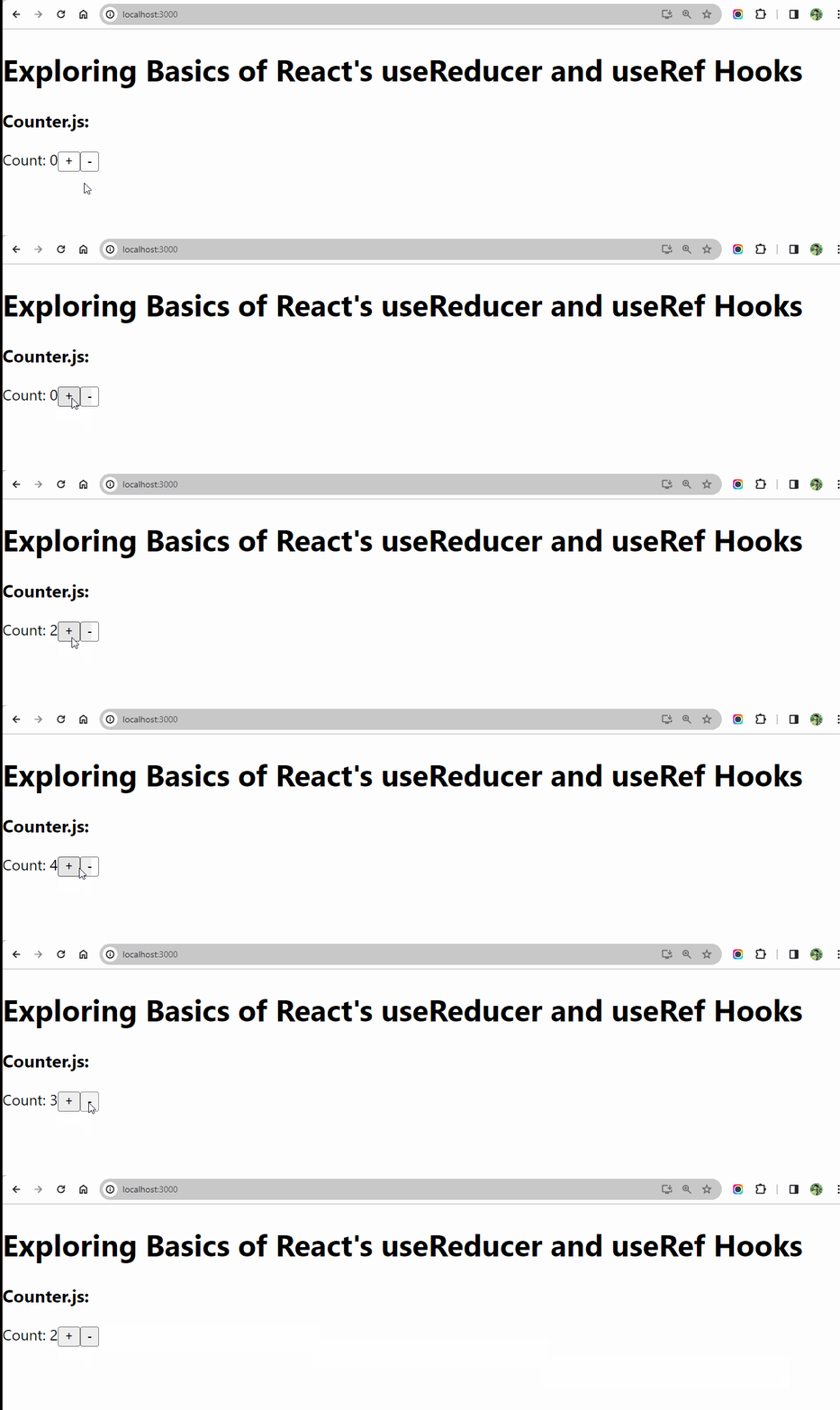
Within this demonstration, the reducer function operates as a pivotal entity responsible for processing both the current state and an action, ultimately yielding a fresh state contingent upon the nature of the action. Through the utilization of the useReducerhook, we seamlessly integrate this reducer function alongside the initial state. This amalgamation furnishes us with access to the current state and a potent dispatch function, empowering us to propagate actions directly to the reducer, thereby orchestrating state transformations with precision and efficiency.
Output
Advanced Usage
useReducer can handle more complex state objects. You can use it with objects, arrays, or any other data structure. Additionally, you can combine it with useContext for global state management or optimize performance with useMemo and useCallback.
Now, let’s explore an advanced usage scenario of useReducer with a more complex state object:
AdvancedCounter.js
// AdvancedCounter.js
import React, { useReducer } from 'react';

const initialState = {
  count: 0,
  showText: false
};

function reducer(state, action) {
  switch (action.type) {
    case 'increment':
      return { ...state, count: state.count + 1 };
    case 'toggleText':
      return { ...state, showText: !state.showText };
    default:
      throw new Error();
  }
}

function AdvancedCounter() {
  const [state, dispatch] = useReducer(reducer, initialState);

  return (
    <div>
      <div>
        Count: {state.count}
        <button onClick={() => dispatch({ type: 'increment' })}>Increment</button>
      </div>
      <div>
        <button onClick={() => dispatch({ type: 'toggleText' })}>
          {state.showText ? 'Hide Text' : 'Show Text'}
        </button>
        {state.showText && <p>This is a dynamic text!</p>}
      </div>
    </div>
  );
}

export default AdvancedCounter;

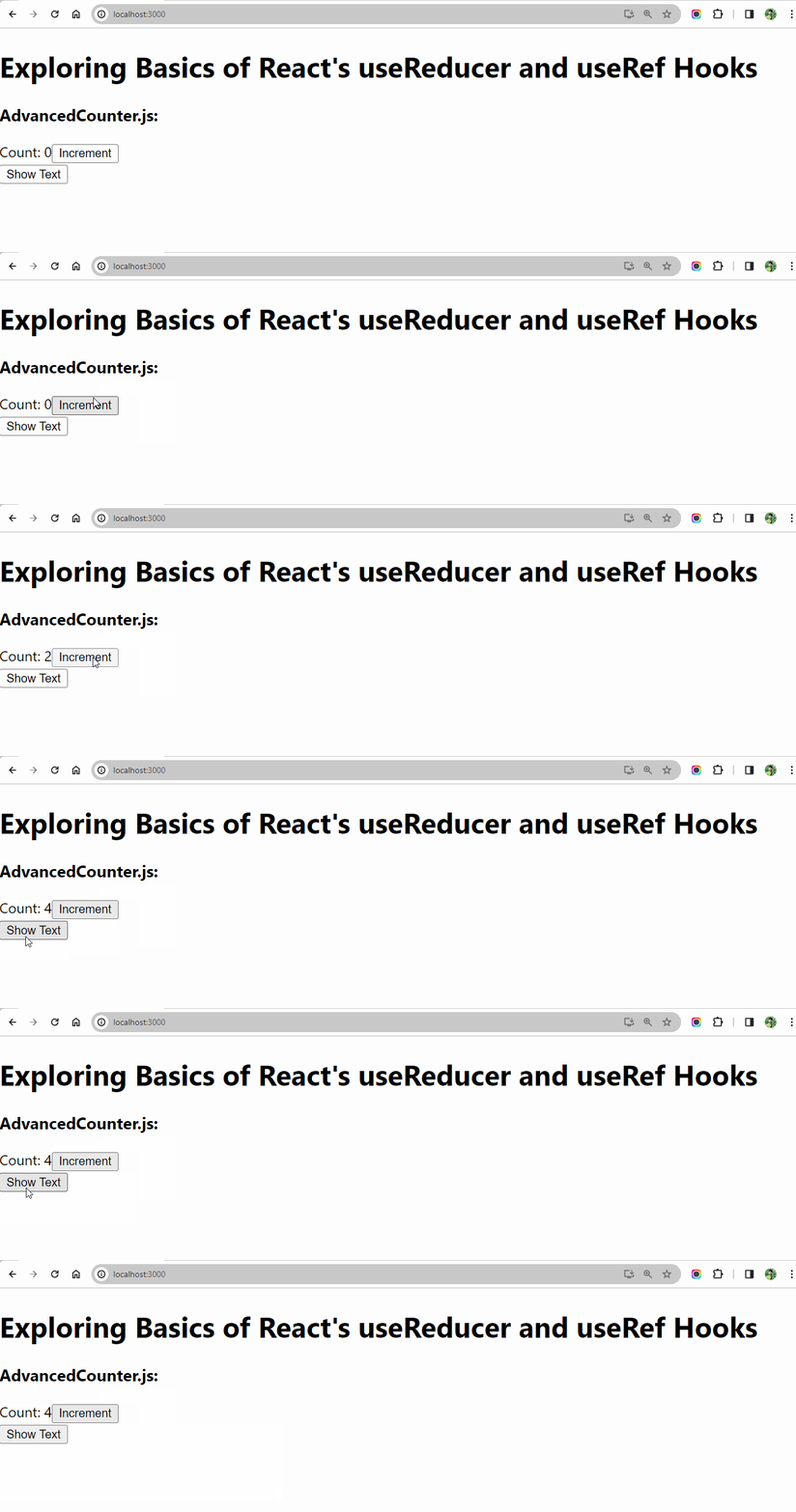
In this example, our state object comprises both a counter and a Boolean value to toggle text visibility. The reducer function now handles both incrementing the count and toggling the text display.
Output
What is `useRef`?
The useRef hook is another essential hook in React. It is primarily used for accessing and manipulating DOM elements directly. Unlike useState or useReducer, changes to a ref don’t cause a re-render. Such versatility makes it apt for various tasks, ranging from overseeing focus management and instigating imperative animations to seamlessly integrating with third-party DOM libraries.
Basic Usage
Let’s create a simple instance to apprehend how useRef works. Suppose we have a form component that requires focusing on an input field when it mounts.
Form.js
import React, { useRef, useEffect } from 'react';

function Form() {
  const inputRef = useRef(null);

  useEffect(() => {
    inputRef.current.focus();
  }, []);

  return (
    <div>
      <input ref={inputRef} type="text" />
      <button>Submit</button>
    </div>
  );
}

export default Form;
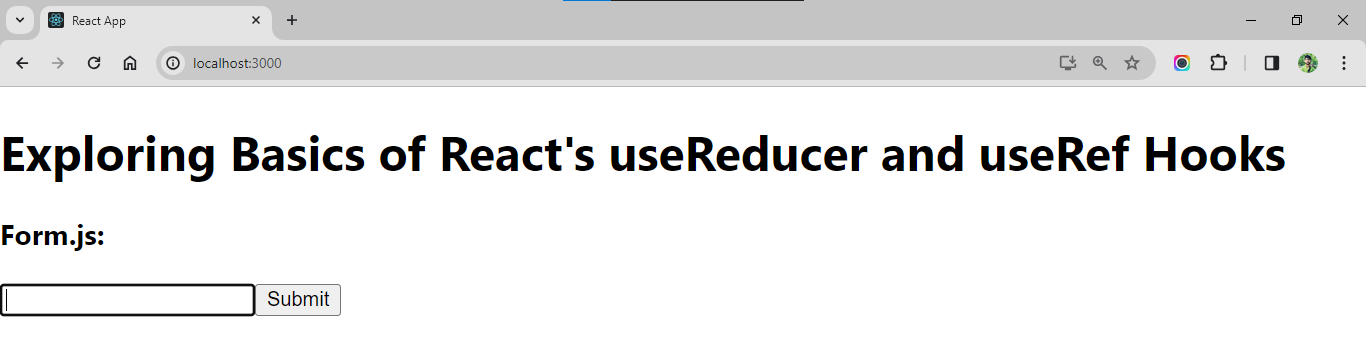
In the illustration provided, useRefemerges as the linchpin, facilitating the establishment of a reference to the input element within the component’s scope. Subsequently, leveraging the effect hook, we orchestrate the focus onto the input element upon the component’s initial rendering, meticulously ensuring that this operation occurs precisely once through the judicious utilization of an empty dependency array [].
Output
Advanced Usage
useRef is not limited to DOM elements, it can also persist mutable values across renders without causing re-renders. This property makes it useful for storing previous values, caching values between renders, or interacting with imperative APIs.
Now, let’s discover a complicated utilization scenario where useRef is hired to persist mutable values:
AdvancedForm.js
// AdvancedForm.js
import React, { useRef, useEffect } from "react";

function AdvancedForm() {
  const renderCount = useRef(0);

  useEffect(() => {
    renderCount.current++;
  });

  return (
    <div>
      <p>This component has rendered {renderCount.current} times.</p>
    </div>
  );
}

export default AdvancedForm;
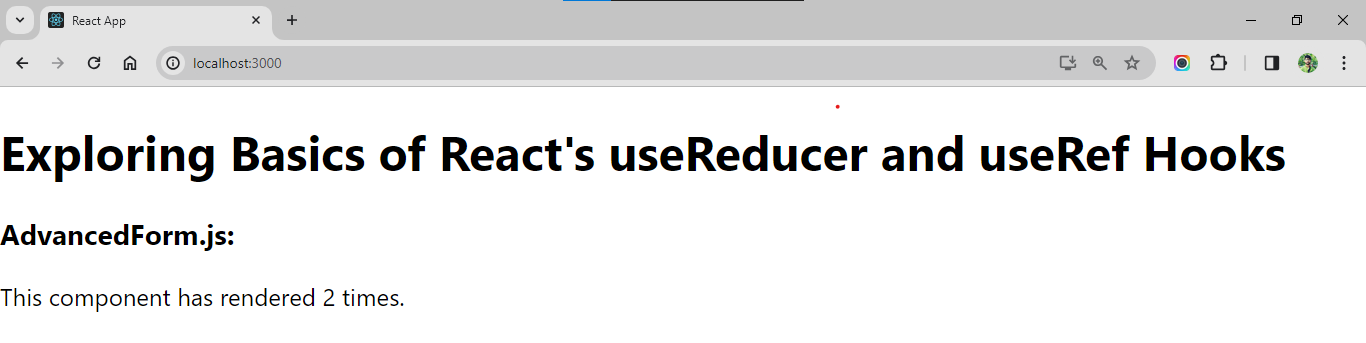
Within this instance, useRef is ingeniously harnessed to maintain the tally of component renderings throughout successive re-renders, all the while circumventing the unnecessary triggering of additional renders. By employing this tactic, we ensure the seamless preservation of the render counts across iterations, thus exemplifying the versatile capabilities of the useRef hook in React development.
Output
Conclusion
In this guide, we’ve explored two effective hooks supplied by React: useReducer and useRef. useReducer is a versatile tool for dealing with complicated state logic, while useRef gives direct get entry to DOM elements and permits for staying power of mutable values. Understanding and mastering those hooks will notably enhance your React development skills, allowing you to construct greater green and robust packages. Start integrating them into your projects and explore their full potential!